


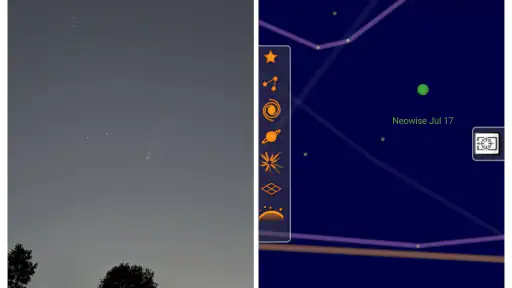
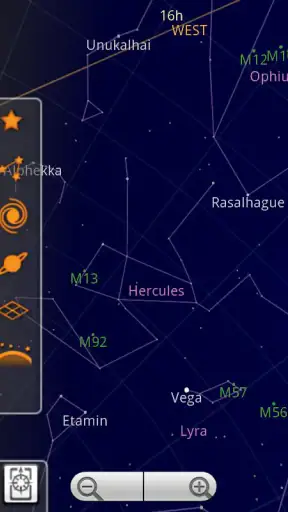
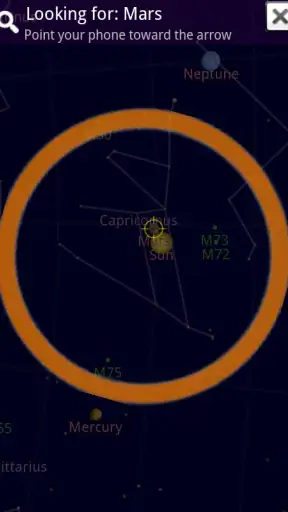
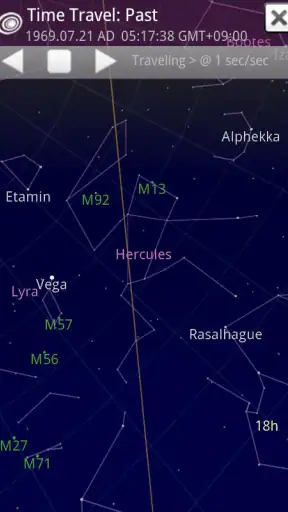
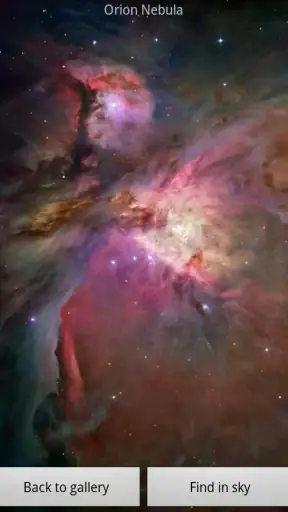
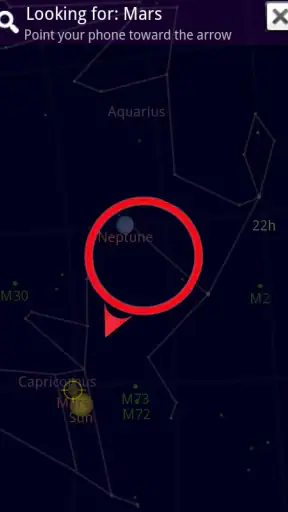
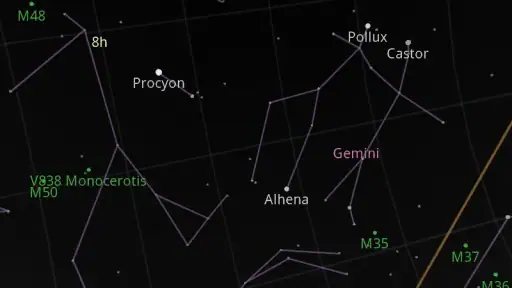
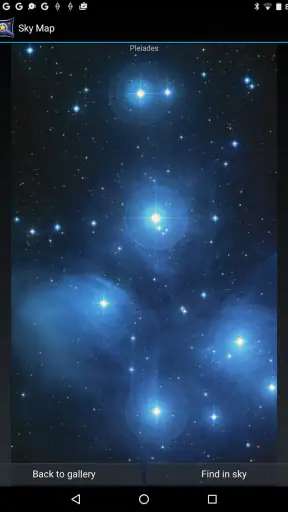
I like astronomy apps that help me look up instead of making me feel as if I need a textbook beside me. Sky Map takes that approachable route: it uses the phone as a guide to the night sky, matching what you see above you with an on-screen map. After spending time with it, I found the main appeal is not complexity but immediacy. You can step outside, point the phone upward, and begin turning a vague patch of stars into something you can investigate.
That makes it a natural fit for the Books & Reference category, although I use it more like a pocket observing aid than a conventional reading app. It is free, aimed at Everyone, and developed by Sky Map Devs. Its broad reach is easy to understand: the app has passed 50 million installs, while its average rating sits at 4.1 from around 482 thousand ratings. Those figures suggest a well-known tool with plenty of practical value, but also one that people may approach with different expectations.
Where Sky Map Usually Gets Stuck
The first difficulty is often not identifying a constellation. It is getting the map to agree with the direction I am facing. A phone does not know where the sky is simply because the app is open. It depends on the device’s location and orientation sensors, and either one can make the display feel wrong. If the screen drifts, rotates too quickly, or shows stars that do not match the view overhead, I first treat that as a setup problem rather than a failure of the star guide.
My most useful habit is to pause before blaming the app. I hold the phone level, move slowly, and compare a large, obvious part of the sky rather than trying to match one faint star. Bright objects and recognizable patterns are easier reference points. Rapidly sweeping the phone around makes the display harder to judge because the sensor readings have less time to settle.
Another common stumbling block is using the app in a bright place. Streetlights, windows, and nearby screens reduce the number of stars visible to my eyes, while the map can still show a much fuller sky. That difference can make Sky Map seem inaccurate even when the problem is simply visibility. I get better results after allowing my eyes a little time to adjust outdoors and lowering the phone’s brightness enough that the screen does not dominate my view.
There is also a practical difference between looking at a map indoors and using it under open sky. Indoors, I can explore the display comfortably, but reflections and nearby metal objects may complicate the experience. Outside, the map becomes more useful, yet cold hands, glare, and awkward viewing angles become part of the process. I recommend testing it briefly at home, then using it in a genuinely dark outdoor spot before deciding whether its tracking feels reliable.
The important expectation is that Sky Map is a visual reference, not a replacement for your eyes. It can point my attention toward a region and help me understand what I should be looking for, but it cannot make a hidden object visible through clouds, haze, trees, or city glow. That distinction prevents a lot of unnecessary frustration.
What I check before an evening outside
Before I rely on the app for a planned observation, I check that the phone can determine its location and that its motion sensing behaves normally. I do not need to perform a complicated technical routine. I simply open the app, move the phone gently, and see whether the map responds consistently. If the screen remains fixed while I turn, or if it swings dramatically with tiny movements, I stop and correct that first.
I also avoid beginning with a difficult target. A faint star near the horizon is a poor calibration test because buildings, trees, and atmospheric haze can hide it. A broad area high overhead gives me a cleaner comparison. Once the display and the real sky appear to correspond, I can move toward less obvious objects with more confidence.
Phone cases can occasionally affect how comfortable this is, especially if the case makes it difficult to hold the device flat or blocks part of the screen at an angle. I have found that a simple grip matters more than people expect. Holding the phone near its center and turning my whole body slowly produces a steadier result than waving it from the wrist.
Battery planning is sensible too. A bright display and active sensors can make an outdoor session less convenient, particularly if I am already using the phone for other tasks. I prefer to start with a comfortable charge and keep the screen brightness moderate. This is not a special Sky Map requirement so much as a realistic part of using any phone as an observing instrument for an extended period.
A calmer workflow when the map does not line up
When the view looks wrong, I use a short recovery process rather than repeatedly rotating the phone. First, I stop moving and look at the physical sky. Then I identify the general direction I want to examine and point the phone there slowly. If the display still seems offset, I move away from nearby electronic equipment and try again in an open area. The goal is to remove variables one at a time.
I also close and reopen the app if the display has become unusually unresponsive. That simple reset often gives me a cleaner starting point than continuing with a map that has already become confusing. If the phone itself is having trouble with rotation in other apps, I do not expect Sky Map to correct it. The app can only work with the readings the device supplies.
One useful technique is to use the map in two stages. I first use it to learn the broad layout of the sky, then lower the phone and look directly upward. This reduces the temptation to stare at the screen continuously. After locating a likely pattern, I check the sky again without the phone. That approach turns the app into a teaching aid rather than a permanent overlay between me and the stars.
For children, I find this staged method particularly helpful. Letting them point the phone at a region, read a label, and then search for the corresponding pattern makes the activity feel like discovery. It also avoids the common problem of a child becoming absorbed in the screen while standing outside. Since the content rating is Everyone, it is suitable for family use, although an adult may still need to explain why the visible sky will not always match every item represented on the map.
When the app is not the cause
Some apparent inaccuracies come from conditions beyond the app. Clouds are the obvious example, but thin haze can be just as misleading because it hides dim stars while leaving brighter ones visible. Urban lighting creates another mismatch: the map can identify stars that are physically above me even when my eyes cannot separate them from the bright background.
Buildings and trees also distort expectations. A map shows the sky in a broad, uninterrupted way, while my actual view may cover only a narrow opening between rooftops. I get better results by checking the horizon around me before choosing a target. If the object is low in the sky, waiting a little or moving to a clearer location may help more than adjusting the app.
Sensor interference is another possibility. Phones can behave strangely near strong magnetic sources, and a metal table, vehicle, or other equipment may affect orientation. I do not treat every directional error as proof of a software defect. Moving into an open space and repeating the comparison is a quick way to separate environmental interference from a genuine app problem.
There is a difference between a map being useful for orientation and being precise enough for specialist observation. If I need detailed planning for serious telescope work, a dedicated astronomy program with more advanced observing tools may be a better choice. Sky Map’s strength is the quick, understandable connection between phone and sky. Its simplicity is also the reason it may feel limited to someone who wants technical control, extensive object information, or a complete observing log.
How it compares with the usual alternatives
Compared with a printed star chart, Sky Map is more convenient when I am outside and unsure which way to turn. A paper chart does not depend on sensors or battery power, so it remains dependable in a different way, but it takes more effort to orient and interpret in the dark. I prefer paper for a slow, deliberate session and the app for spontaneous identification.
Compared with a general web search, the app is better at answering the immediate question, “What am I looking at in that direction?” Searching on a browser can provide deeper explanations, but it breaks the connection between the object and the patch of sky in front of me. Sky Map keeps that first step visual and direct.
More advanced astronomy apps can offer a richer experience for experienced observers, especially when they need detailed object information or planning tools. I would choose one of those for structured sessions with specific technical goals. For a beginner, a parent, a student, or someone who simply notices an interesting group of stars while walking outside, Sky Map is less intimidating and faster to understand.
The trade-off is clear: it favors accessibility over depth. I can start exploring without learning a large catalog of controls, but I should not expect the app to become a full observatory assistant. That is not a flaw for its intended casual and educational use; it only becomes a weakness when I ask it to serve a more specialized purpose.
Everyday uses that make the app worthwhile
My favorite realistic use is a short evening walk after dinner. Instead of planning a formal astronomy session, I take the phone outside when the sky is clear, choose one area overhead, and spend a few minutes connecting the labels on the screen with the patterns I can actually see. The app gives that ordinary moment a focus without requiring equipment.
It also works well as a conversation starter. If a friend points at a bright object and asks what it is, I can use the map to narrow down the direction rather than guessing. I still treat the result as a prompt to observe and learn, not as a reason to make an overconfident identification when the viewing conditions are poor.
For learning, I suggest choosing one small region at a time. Trying to absorb the entire sky at once is overwhelming. I use the app to notice a pattern, put the phone down, and try to remember its shape. On a later night, I can return to the same area and see whether I recognize it before checking the labels again. That turns a brief app interaction into a useful memory exercise.
A less obvious benefit is that it helps me understand movement across the sky. If I revisit the same general direction at different times, the map gives context for why the view changes. I do not need to memorize technical terminology to notice that the sky is not a static ceiling. The app is most effective when it supports that curiosity rather than replacing it with constant screen use.
People who should skip it are those seeking a fully technical astronomy workstation on a phone, those who mainly want long-form reference material, or anyone expecting it to reveal stars that local conditions hide. I would also avoid making it the sole tool for a carefully timed observation where precision and detailed planning matter more than ease of use.
My practical verdict
Sky Map is a good free starting point for turning casual interest into active observation. I appreciate that it gives beginners a clear reason to look up and offers enough guidance to make an unfamiliar sky feel less anonymous. Its large user base and 4.1 average rating reflect that approachable role, while the Everyone rating makes it easy to recommend for shared family or classroom-style exploration.
The app works best when I prepare the phone, move slowly, use an open view, and remember that visibility depends on the real sky. Most early problems are solved by checking orientation, location, lighting, and interference before assuming the map is broken. That practical mindset matters more here than finding a hidden setting or expecting a perfect result in every environment.
I would recommend it to beginners, curious families, travelers who want a quick sky reference, and anyone who enjoys learning through direct visual comparison. I would point serious observers toward a more specialized alternative when they need advanced planning or technical detail. For everyone else, the free price removes the main barrier to trying it, and the experience is rewarding as long as I use it as a guide rather than an authority.
In the end, Sky Map succeeds because it makes the first step easy: point, compare, and become curious. It does not eliminate the messy parts of observing outdoors, but it helps me work through them without turning a simple look at the stars into a complicated project.


